
Quick answer
The best crypto exchanges for recurring buys are the ones that match your real failure point: some fire the first order sooner than people expect, some lock the schedule after creation, and some hide the fee until the last screen. If you want the shortest path to a clean monthly DCA, Coinbase is the simplest. If you care more about asset breadth and clear order-state handling, Crypto.com is the broader option. If you want the most control over pause, edit, and recovery from failed orders, Kraken is the strongest pick. The right choice is usually the one that lets you keep the plan running after month one, not just the one that makes setup feel easy.
For neutral context, this guide cross-checks the topic against Cryptocurrency and SEC crypto assets guidance. So the recommendation is grounded in external market signals rather than only product claims.
What actually separates recurring-buy exchanges
Most comparison pages treat recurring buys like a checkbox: supported or not supported. That misses the part that costs time and money. A schedule that starts immediately can buy earlier than you planned, a payment method can be ineligible after you finish setup, and some platforms force you to cancel and recreate the plan if you want to change the amount or frequency.
In practice, the buyer is not choosing “automation.” The buyer is choosing how much control stays available after the first order. That matters on a week when cash lands late, when the market moves before the next debit, or when a recurring order fails and someone has to decide whether to fix it or abandon the plan. The right exchange reduces those interruptions instead of creating them.
For a consumer DCA setup, the useful question is simple: which platform makes the exact schedule you want easiest to run for six months, not just easiest to create today? That is why the decision needs to look at first-order timing, editability, payment rails, and fee behavior together. If you also want the setup mechanics after you choose a platform, the sister guide on how to set up crypto app recurring purchases covers the hands-on flow without repeating the comparison layer.
There is also a useful boundary here. Personal recurring buys and business billing are not the same problem. If you are comparing exchanges for your own DCA, keep the focus on consumer automation. If the real need is recurring crypto revenue for subscriptions, Zyrox solves a different job: merchant billing and wallet settlement, not personal accumulation. The broader automation angle is covered in crypto investment with automated recurring buys, which is the right next read once you know which platform class you need.
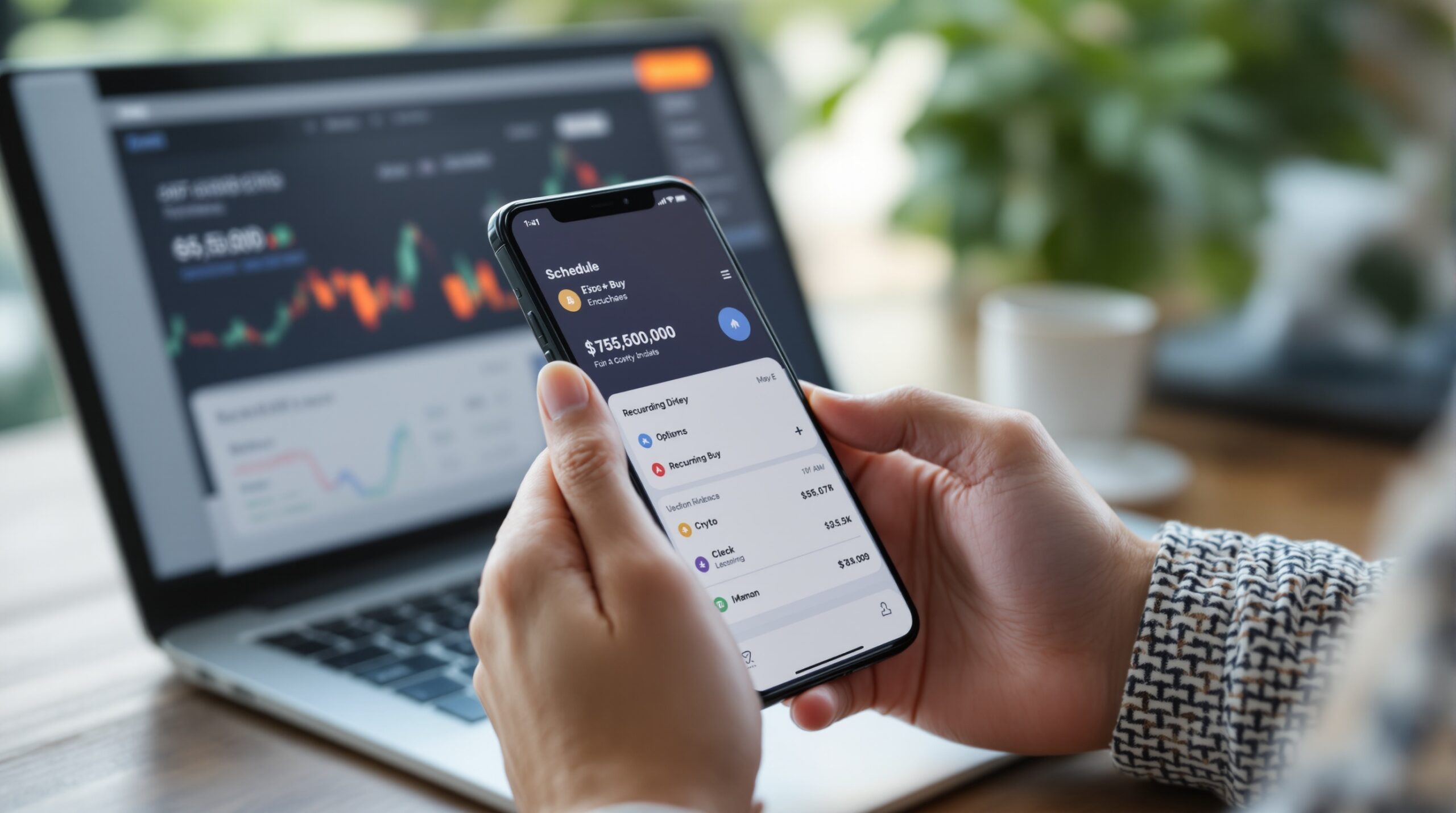
A short list of exchanges that matter for recurring buys
Start with the platforms that actually change the outcome. The comparison below keeps the focus on what makes a recurring-buy setup succeed or fail: schedule control, payment eligibility, fee visibility, and what happens after you press confirm.
| Exchange | Schedule options | Payment constraints | Fee handling | Post-setup control | First-order behavior | Best fit |
|---|---|---|---|---|---|---|
| Coinbase | Recurring buys at supported frequencies in the app | Not all linked payment methods are eligible; cash balance can be used | Standard buy fees apply; amount and frequency cannot be edited after creation | Cancel and recreate if you need a change | The first purchase can execute immediately at setup | Users who want the cleanest, lowest-friction monthly DCA |
| Crypto.com | Schedule frequency is set in the app | Supported payment currencies include USD, EUR, GBP, AUD, BRL, SGD, CAD; availability varies by jurisdiction | Fees are deducted from the purchase amount | Active and inactive orders are visible; cancellation is supported | The first order usually executes by the end of the same day | Users who want broader asset coverage and visible order state |
| Kraken | Daily, weekly, biweekly, monthly | Requires a verified account; recurring orders are not available on Kraken Pro; supported with Apple Pay or Google Pay | The fee is shown on the final confirmation page before purchase | Edit, pause, cancel, update amount, frequency, date, and payment method | Can start now or on a future date | Users who need the most control and the best failure handling |
| Binance | Recurring-buy support depends on region and product availability | Eligibility varies by local account setup and payment rails | Check the order screen before you commit | Best used only after local support is confirmed | Execution timing depends on the recurring-buy product in your region | Users already in the Binance stack who have verified support |
The table is useful because the hidden cost is often operational, not just financial. A 1% fee difference matters, but so does a plan you cannot edit or a first order that debits before your paycheck clears. If you have ever had to rebuild a recurring plan three times because the payment method failed validation, you already know the real cost is lost attention, not only trading cost.
Coinbase
Coinbase is the simplest choice if your goal is a basic recurring buy that you do not expect to micromanage. Its main strength is that it gets out of the way. Its main weakness is the same thing: once the amount and frequency are set, you do not edit them in place. That makes it good for a steady monthly BTC or ETH plan and less useful if your schedule changes often.
Crypto.com
Crypto.com is the breadth-first option. It supports a large set of coins and states the fee impact clearly by subtracting fees from the purchase amount. That makes it easier to estimate what actually lands in the order. The trade-off is that you still need to watch the order state and cancellation timing, especially if you are using the feature for a strict monthly budget.
Kraken
Kraken is the control-first option. You get daily, weekly, biweekly, and monthly schedules, plus the ability to start now or on a future date. You also get the strongest post-setup control of the group: edit, pause, cancel, change the amount, change the frequency, and even change the payment method. If your recurring plan will evolve, this is the least fragile choice.
Kraken is also the clearest on failure handling. If the order fails, you get an email, the issue is explained, and the next attempt is scheduled. If the order is skipped because the price condition is not met, you still get notified and the system retries at the next regular interval. That matters when the recurring order is part of a process, not just a convenience feature.
Binance
Binance is better treated as a conditional option than a default answer. The feature may exist, but the useful question is whether it exists cleanly in your region and under your account setup. If you already use Binance and recurring buys are fully supported for your case, it can stay on the shortlist. If not, a simpler platform with clearer rules will usually win.
Choose by the failure you want to avoid
The easiest way to choose is to start with the thing most likely to go wrong. A beginner usually wants the least confusing path and the fewest screens. A more active buyer wants to change the schedule without rebuilding everything. A user with irregular cash flow wants a platform that can shift the next charge date without breaking the order.
That is why the same exchange does not fit everyone. A one-line feature list hides the actual friction: fee display, editability, product tier limits, and whether the first buy appears immediately or later. The platform that looks “best” on paper may be the worst if you need to move the charge date after setup.
| Buyer situation | Best match | Why it fits | Where it breaks |
|---|---|---|---|
| One simple monthly BTC or ETH buy | Coinbase | Low-friction setup and a straightforward recurring-buy flow | Weak if you need to edit amounts or frequencies often |
| Wants many coin options and payment-currency flexibility | Crypto.com | Broad supported-asset inventory and fee deduction shown in the order economics | Order-state management still needs attention |
| Needs to pause, edit, or shift the next charge date | Kraken | Best control surface in the group | Requires verification and does not run on Kraken Pro |
| Already on Binance and local support is confirmed | Binance | Convenient only if the feature is actually available in your region | Regional support can make it the wrong default |
The practical lesson is simple: choose the exchange that survives a real month, not the one that looks clean in a screenshot. A recurring plan that has to be rebuilt every time you move cash around is not automation; it is a reminder service with extra steps. The healthier state is a schedule you can trust without checking it every day.
If you are comparing the broader automation stack, the sister guide on best crypto wallets for recurring transactions is useful once you care about what happens after the order executes. Wallet choice becomes the next bottleneck when volume grows or when you want tighter control over settlement.
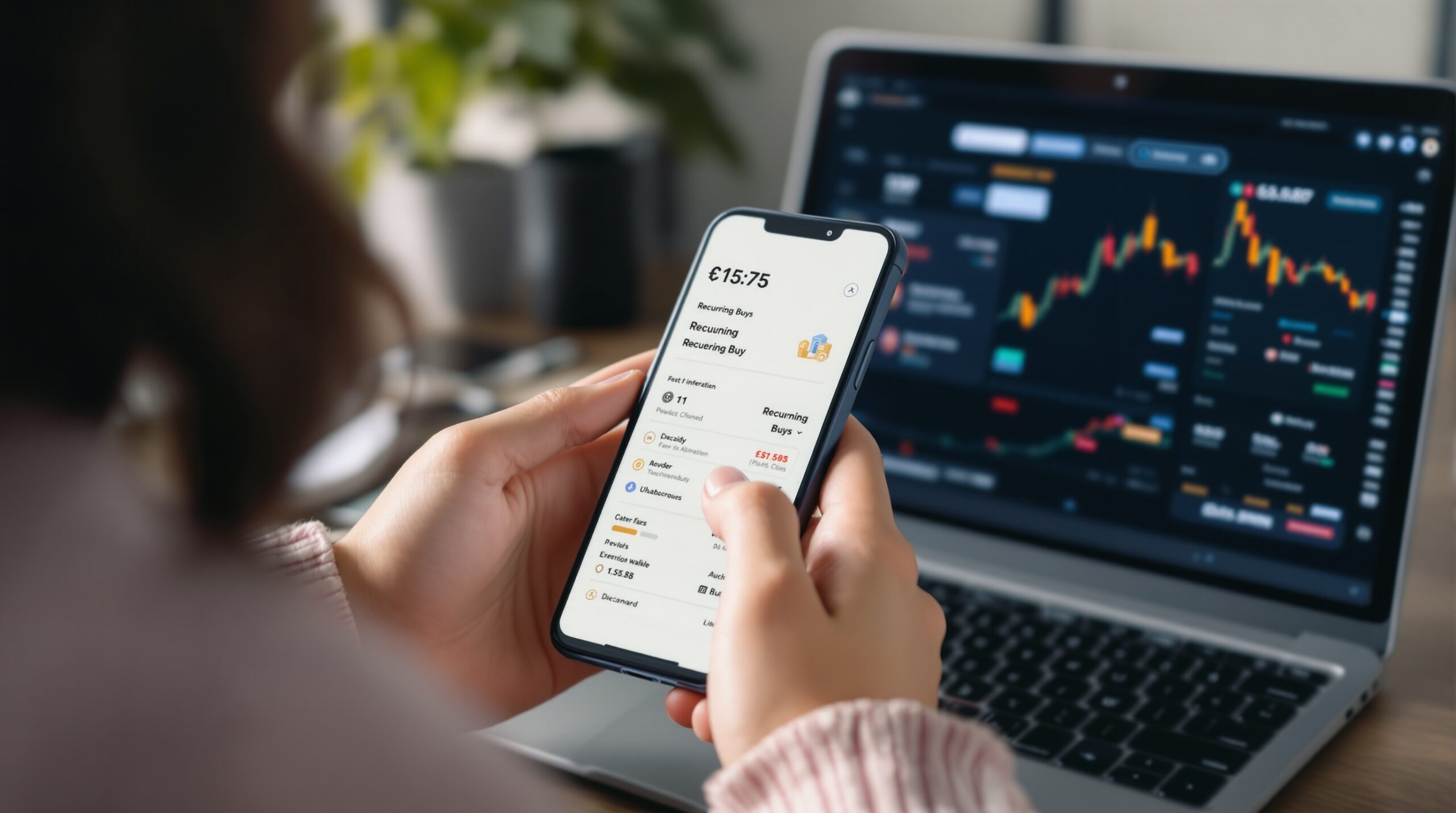
Controls that matter after the first setup
A recurring-buy plan usually looks fine on day one. The trouble appears later, when the next charge needs to move because payday shifted, because a card failed, or because you want to change the asset size without rebuilding the whole plan. That is where weak platforms become annoying: the user ends up canceling, recreating, and rechecking everything by hand.
Coinbase is easy to start but less forgiving after setup. Crypto.com gives better order visibility, which helps when you want to see what is active and what is inactive. Kraken goes further and treats the recurring order like something that can be managed, not just created.
That difference is more than convenience. If a weekly order misses the right cash window, you can distort the average entry price and create avoidable cleanup work. One failed debit can trigger three support checks, a manual purchase, and a new schedule. The “small” failure often costs an hour; at scale it becomes the kind of friction that makes people stop using the feature.
| Platform | Account requirement | Payment method | Edit / pause / cancel | Failure handling | Note |
|---|---|---|---|---|---|
| Coinbase | Eligible account and payment method | Some linked methods are ineligible; cash balance can be used | Cancel and recreate | Not emphasized in the cited help page | The first buy may happen immediately |
| Crypto.com | App account with supported currency and jurisdiction | Payment currency options vary by region | Cancel supported; active and inactive orders are visible | First-order and pending-transaction rules are explicit | Fees reduce the received amount |
| Kraken | Verified account; not Kraken Pro | Apple Pay or Google Pay | Edit, pause, cancel, update amount/frequency/date/method | Email alert, then retry after failure or skipped price condition | Best for control-heavy recurring orders |
For a solo buyer, the useful rule is not “pick the biggest exchange.” It is “pick the platform that lets you recover without rebuilding.” That is why Kraken leads for flexibility and Coinbase leads for simplicity. Crypto.com sits in the middle when you care about breadth and explicit fee impact more than maximum control.
Before you fund the first order, check the four things that break plans
Before you confirm any recurring buy, check whether the payment method is eligible, whether the first order fires immediately, whether you can edit the plan later, and whether the fee is visible before you commit. Those four checks catch most of the mistakes that turn a simple DCA into a cleanup job.
People usually skip the check because the setup screen looks familiar. That is the trap. One platform can charge the first purchase at setup, another can wait until the end of the day, and another can let you choose a future date. If you assume the behavior is universal, you can end up buying earlier than intended or cancelling a plan that was otherwise fine.
Keep one more filter in mind if you are not an individual investor. If your need is subscription revenue, not personal accumulation, the question changes. In that case, the better comparison is not exchange recurring buys at all; it is whether a business system owns the billing logic, the wallet settlement, and the subscription state. That is the lane where Zyrox becomes the more relevant fit.
Once you know which exchange class fits, the setup steps themselves are simple. The sister guide on how to set up crypto app recurring purchases shows the mechanics without repeating the comparison logic.
What a healthy recurring-buy setup looks like
A good recurring-buy setup is boring in the right way. The fee is visible before you confirm, the first charge happens when you expect it, and you can change the next date without starting over. If the schedule slips, you know exactly whether to pause, edit, or cancel.
That is the opposite of a fragile setup, where every small change requires a new order and every failed debit becomes a manual chase. The difference shows up fast. One clean platform can save a user several hours over a few months simply by removing avoidable rework.
If you want the business version of that same “boring in the right way” goal, the relevant product is not a consumer exchange feature but a payment layer that handles recurring crypto billing directly. That is the role Zyrox fills for merchants that want wallet settlement instead of custodial churn.
Where Zyrox fits this picture
Zyrox belongs in this comparison only when the recurring problem is business revenue, not personal DCA. It lets merchants accept USDT, USDC, and Bitcoin directly to their own wallet, with recurring billing and smart-contract subscriptions built into the flow. That makes it relevant for SaaS, creator subscriptions, hosting, and other recurring payment models where custodial balances and payout delays create more work than they solve.
Need recurring payments for your own product?
If this is the operating problem you need to solve, use the product page as the next step. It shows where accept recurring crypto payments fits and what the platform covers beyond a single payment widget.
Frequently asked questions
How to Set Up Crypto App for Recurring Purchases (Step-by-Step)
Frequently asked questions
Lowest-fee exchange for recurring buys?
There is no single lowest-fee exchange for every recurring-buy setup, because the final cost depends on the platform, payment method, and your region. In this article, fee visibility matters as much as the rate itself: Crypto.com shows fees by deducting them from the purchase amount, while Kraken shows the fee on the final confirmation screen. If you want to compare the full setup before choosing, review the schedule, payment rails, and what happens when the order is placed.
Self-custody after recurring buy?
Yes, but self-custody happens after the exchange order executes, not inside the recurring-buy feature itself. The article’s main point is that the exchange should make the purchase reliable first, then you can move assets to your own wallet if that fits your process. If self-custody is part of your workflow, it helps to choose a platform with clear order timing and reliable confirmation so transfers are easier to plan.
Best exchange for BTC DCA?
For a simple BTC dollar-cost averaging plan, Coinbase is the cleanest fit if you want a low-friction recurring-buy flow. If you expect to change the amount, pause a schedule, or shift the next charge date, Kraken is the stronger option because it gives you more control after setup. The best choice depends on whether you value simplicity or flexibility more over the next several months.
{“@context”: “https://schema.org”, “@type”: “FAQPage”, “mainEntity”: [{“@type”: “Question”, “name”: “Lowest-fee exchange for recurring buys?”, “acceptedAnswer”: {“@type”: “Answer”, “text”: “There is no single lowest-fee exchange for every recurring-buy setup, because the final cost depends on the platform, payment method, and your region. In this article, fee visibility matters as much as the rate itself: Crypto.com shows fees by deducting them from the purchase amount, while Kraken shows the fee on the final confirmation screen. If you want to compare the full setup before choosing, review the schedule, payment rails, and what happens when the order is placed.”}}, {“@type”: “Question”, “name”: “Self-custody after recurring buy?”, “acceptedAnswer”: {“@type”: “Answer”, “text”: “Yes, but self-custody happens after the exchange order executes, not inside the recurring-buy feature itself. The article’s main point is that the exchange should make the purchase reliable first, then you can move assets to your own wallet if that fits your process. If self-custody is part of your workflow, it helps to choose a platform with clear order timing and reliable confirmation so transfers are easier to plan.”}}, {“@type”: “Question”, “name”: “Best exchange for BTC DCA?”, “acceptedAnswer”: {“@type”: “Answer”, “text”: “For a simple BTC dollar-cost averaging plan, Coinbase is the cleanest fit if you want a low-friction recurring-buy flow. If you expect to change the amount, pause a schedule, or shift the next charge date, Kraken is the stronger option because it gives you more control after setup. The best choice depends on whether you value simplicity or flexibility more over the next several months.”}}]}

Dmitry Alentev
Builds SaaS platforms for content creators, agencies, and entrepreneurs. Writes about the business mechanics behind creator-economy products and how custom software actually ships.
Reviewed under our Editorial standards.