
Quick answer
A crypto payment QR code encodes an address, a wallet payment URI or a checkout URL. To create one, define the asset, network, amount and order reference, generate the code from that request, then test it with supported wallets. Display the network and a fallback link beside it. Release access only after your backend matches a confirmed payment to the order; a successful scan or wallet screenshot is not confirmation.
What a crypto payment QR code can encode
A customer can scan your checkout on a laptop and still land in a wallet with the amount missing. A crypto payment QR code carries data: an address, a payment URI or a hosted checkout URL. For a subscription merchant, the useful test is whether that data reaches the wallet intact and produces a payment you can identify.
Consider a hypothetical API service selling a month of access for an assumed 49 USDC on Base. It initially displays its receiving address as a QR code beside the price. The customer scans successfully, but the wallet receives only the address. The token, network and amount still depend on the customer. The code has removed typing without removing the decision that can break payment.
A plain address identifies a destination, not an invoice. A wallet payment URI can specify transfer details if the scanner understands the format. Bitcoin and token-transfer URIs carry different instructions. A hosted URL opens a reviewable checkout page. None of these payloads proves that money moved.
Static means the encoded data stays fixed. Dynamic can mean an editable redirect or a request generated for a checkout. Ask which behavior the provider means. A fixed URL can show changing status; a newly generated address code can still lack an order reference. Inspect the payload rather than trusting the label.
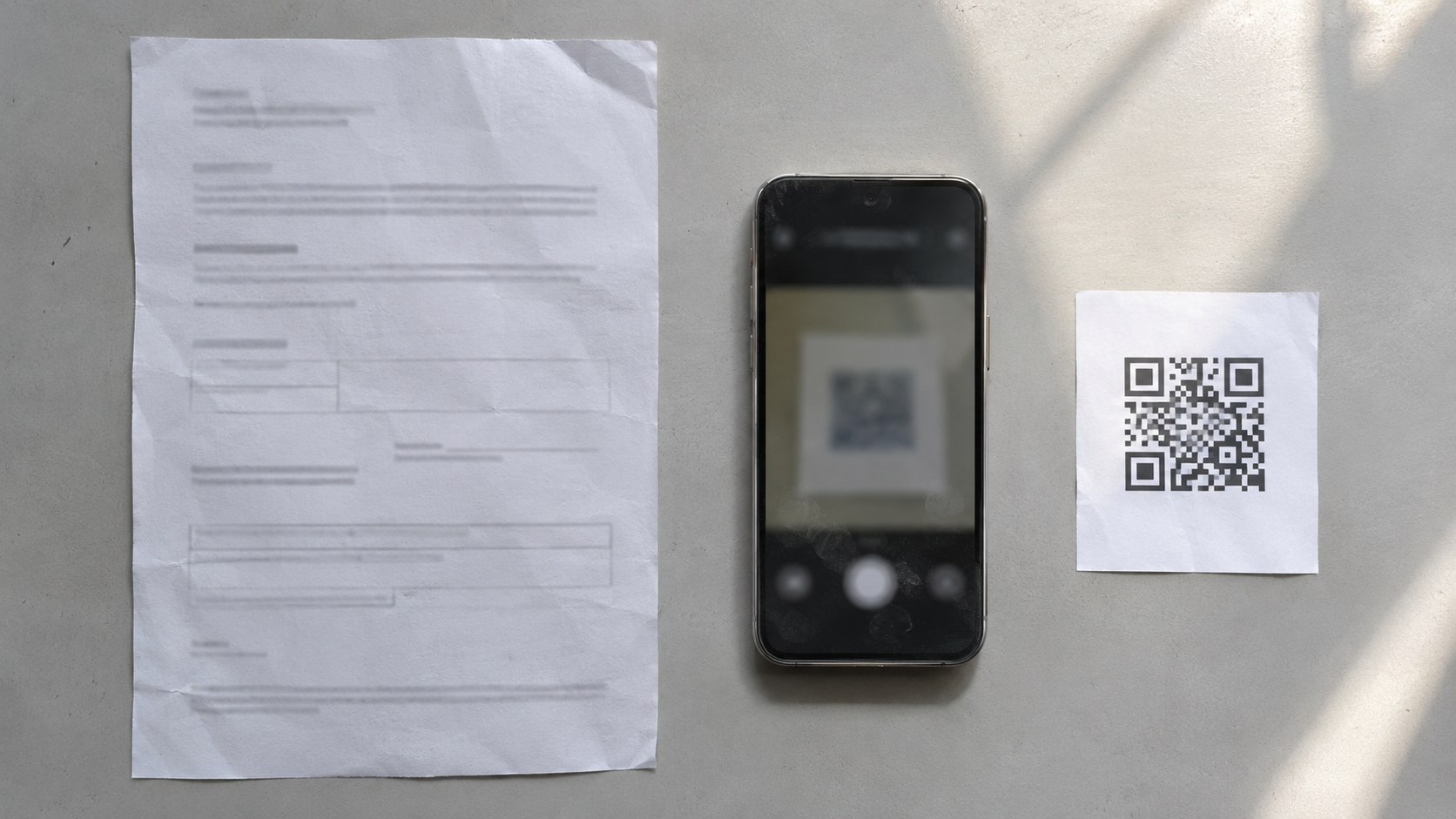
QR code vs crypto payment link: choose the handoff
The difference is delivery: a payment link can be clicked, while a QR code can carry that same link across screens. A code containing an address or payment URI takes a different route, asking the scanning wallet to interpret the payment directly.
| QR payload | What opens | Merchant decision |
|---|---|---|
| Receiving address | A compatible wallet's address field | Use only when amount, network and order matching are handled separately |
| Wallet payment URI | A supported wallet's transfer flow | Use after testing the exact asset, network and wallet combination |
| Hosted checkout URL | A browser payment page | Use when the customer needs request details, expiry and visible payment status |
Our hypothetical API service switches to a request-specific hosted URL, keeping its assumed 49 USDC on Base price. The page makes the asset, chain and purchase reviewable. Wallet compatibility and transfer reconciliation still need testing; neither follows from having a scannable square.
The second-screen case makes QR useful: the request is on a monitor or printed invoice and the wallet is on a phone. On the same phone, a tappable link is a more direct route than asking the customer to scan their own screen. Keep both paths available. The guide to creating a crypto payment link covers request setup when the sale starts in email or chat; here, the decision is what happens after the scan.
How merchants generate payment QR codes
Create the payment request before creating the image. Define the destination, asset, network, amount, order reference and expiry behavior, then encode the request's URL or supported payment URI. Test the generated code from the screen or paper customers will actually see.
For the hypothetical API service, keep the assumed 49 USDC on Base purchase and assign a unique order reference. Choose an expiry policy and state it on the checkout; this is a proposed operating rule, not a blockchain deadline. If customers instead need a QR code for USDT payments, create a separate request with its explicitly supported network. Do not relabel a USDC request and leave the underlying payload unchanged.
- Identify the request: bind the customer order to the expected asset, network, destination and amount before generating the QR.
- Create and display the code: encode the approved URL or payment URI; place asset, network, amount, expiry and a fallback link beside it.
- Inspect the payer handoff: scan from a separate phone, review the actual destination and transfer details, then test the same-phone link.
- Record the matched payment: retain the order reference, chain, transaction identifier and token-transfer details after verification.
- Measure completion and exceptions: record paid requests, abandoned handoffs, expired requests and unresolved transfers separately.
To create a crypto payment QR code from a URL, use a generator that encodes the approved address without replacing it with an unexplained redirect. Decode the finished image and compare the destination. A USDC payment QR code based on a wallet URI needs a stricter check: the wallet must recognize the intended token and chain, not merely show a plausible address. Leave a clear border and test the exported size.
Stop if the wallet opens on the wrong network. The guide to accepting USDC payments helps resolve asset-and-wallet setup before publication. Record the tested wallet, scanner, operating system and result so support can identify untested routes.

Common customer mistakes start before payment
A readable QR can still produce a wrong-network payment, an outdated amount or a visit to a substituted checkout. Put the details beside the code and inside the payment flow. Treat expired and replaced requests as explicit states, rather than leaving customers to infer what remains payable.
An address that looks identical across networks does not make the transfers interchangeable. Check the chain and token contract, not just the ticker or address shape. A customer holding USDT on a network you do not accept needs a supported payment route before sending. Do not promise recovery from another network: control of the destination, contract behavior and provider access can change the options.
In the hypothetical API example, the customer saves the original code and returns after the request expires. Expiry in your checkout does not prevent a blockchain transfer to a valid address. The page should stop offering the stale request, explain how to obtain a replacement and route late arrivals into review. Preserve the original order association so a real payment does not disappear into an expired status.
A sticker over a printed code or an edited PDF can redirect the payer without changing your account. Review printed placements and replace the whole request display when details change; updating nearby text alone leaves stale payloads in circulation. Ask payers to inspect the checkout domain and wallet recipient. Copying an address from an untrusted message is not a reliable fallback to a suspicious scan.

What happens after a customer scans
Scanning opens a destination; authorization permits an action; broadcasting submits a transaction. Payment completion requires a separate check that the expected transfer succeeded on the expected chain and matches the order. A wallet signature, success redirect or customer screenshot cannot replace that check.
A proposed order sequence is awaiting payment, transaction detected, confirmation pending and paid, with exception states for failed, short or unmatched transfers. Set confirmation policy by network and payment mode. Inclusion, finality and provider detection are separate delays, so avoid a universal waiting time.
For the hypothetical 49 USDC on Base order, verify a successful transfer of the expected token to the intended destination on Base, then match it to that request. Seeing the same amount arrive somewhere is insufficient. Decide how fees affect the required received amount and display that rule before payment. Network fees are separate from the purchase; a QR code neither removes them nor guarantees a fixed fee.
If your provider offers signed payment webhooks, verify their authenticity and obtain the authoritative payment status before granting access. Make order updates idempotent so repeated notifications cannot grant credits repeatedly. If notifications fail, reconcile unresolved requests against provider records or your chain-verification process. A browser's return to a thank-you page is useful feedback, not an authorization to fulfil.
Paying for a month does not authorize the next month's charge. A transfer and a token-spending approval are different wallet actions; explain which is being requested before the customer signs. The guide to recurring crypto payments explains that authorization boundary when you move from a QR-assisted first purchase to renewals. Merchant tax, sanctions and other applicable compliance duties also survive a switch in payment rail.

QR checkout best practices: a repeatable acceptance check
Approve the whole screen-to-wallet-to-order route, not the image alone. Use the following checklist for each supported wallet route and repeat it whenever you change the payload, network, checkout domain or printed placement. A successful scan is only an intermediate result.
- Wallet behavior: scan from the intended second screen and open the fallback on the same phone; record whether the route reaches the correct payment request.
- Visible details: compare the asset, network, amount and recipient shown outside the QR with the checkout and wallet. Reject unexplained differences or missing fields.
- Physical display: use strong contrast, an unobstructed border and an undistorted image; test at the intended viewing distance and display brightness.
- Replacement and expiry: decode the deployed code after updates, retire obsolete copies and verify that expired requests offer a safe next step.
- Completion signal: test a successful payment, a rejected wallet action and a delayed notification; check that only the verified payment unlocks the order.
Measure completion as paid requests divided by distinct issued requests in the same cohort. Define that cohort by issue date and allow your chosen observation window before interpreting it. Track scan-to-wallet failures separately where you can observe them; a request without payment does not prove that scanning failed. Count late, wrong-network and unmatched transfers as exceptions needing resolution, not ordinary abandonment.
Keep an exception record: request reference, expected route, wallet behavior, transaction identifier, order status and resolution. Verified transaction data can spare customers a screenshot request. For renewal failures, common issues with recurring crypto payments covers balance and authorization checks beyond this handoff.

Publish the route you can verify
Use an address code when the surrounding workflow reliably supplies and matches everything else. Use a tested payment URI for direct wallet entry. Choose a hosted request when the payer needs visible context, expiry and status. Publish only after the resulting payment can close the correct order.
The hypothetical API service's better decision is not simply a nicer QR. Its hosted request preserves the assumed 49 USDC on Base purchase across screens, its wallet test catches missing fields, and its backend controls access after matching payment. It keeps a same-phone link and a late-payment review path. Each part answers a failure the original address-only code left to the customer.
Before launch, check that the payer can identify the request, the wallet receives the intended instructions, and your system explains pending or exceptional transfers. Fix unclear boundaries first. Decide separately whether renewals need manual payments or recurring authorization.
Make the first payment work before automating renewals
If your next requirement is recurring USDC billing, Zyrox is a non-custodial subscription gateway: customers approve through their wallet, a smart contract pulls USDC monthly, and funds settle directly to the merchant wallet. Recurring authorization is separate from displaying a QR code; charges still depend on valid authorization and available funds.
Start at app.zyrox.io with your intended subscription setup and test the customer authorization and merchant completion path before granting live access.
Frequently asked questions
Can a QR code automatically confirm payment?
No. The code carries payment data or a URL. A separate system must verify the transfer on the expected chain, match it to the request and apply the merchant's confirmation policy before marking the order paid.
What is the difference between static and dynamic QR?
A static code contains fixed data. Dynamic can describe an editable redirect or a request generated for a checkout. Confirm the provider's meaning: neither label guarantees order matching, expiry handling or payment verification.
Is it safe to reuse a payment QR code?
A reusable address code can receive payments, but reuse makes order attribution a separate task. Do not reuse an expired request as though it were a fresh invoice. Use a new request when the amount, network or purchase context changes.
Can the same QR code accept USDT and USDC?
A hosted checkout URL can lead to supported asset choices if the checkout provides them. A token-specific payment URI should not be assumed to accept another token. Check the actual request and supported networks before sending.
Does scanning a QR code authorize a subscription?
Scanning alone does not authorize recurring charges. A subscription flow needs a distinct authorization mechanism and clear terms. Review whether the wallet requests a transfer, a connection, a signature or a spending approval.
What if the customer pays after the request expires?
Checkout expiry does not necessarily stop a transfer to the destination. Keep late-payment detection and a review process, match the transfer to its original request and resolve access or a refund under your stated policy.
How should customers pay when the QR is on their phone?
Provide a tappable checkout link alongside the code, with visible asset and network details. Test that route on supported mobile devices rather than requiring the customer to scan their own display.
Does a crypto payment QR code remove transaction fees?
No. The code changes how payment instructions are delivered. Network fees and any gateway fees remain separate costs. Explain who pays them and the amount the merchant must receive before the customer approves payment.

Alexa Buzoverova
Project lead at Scrile. Helps clients pick what actually moves growth and bridges them with the engineering team. Writes about the operational side of software delivery — scoping, requirement translation, and vendor-team alignment.
Reviewed under our Editorial standards.